 PulseMove

PipSweet · Deadpan
“I feel a little firmer than I'd like.”
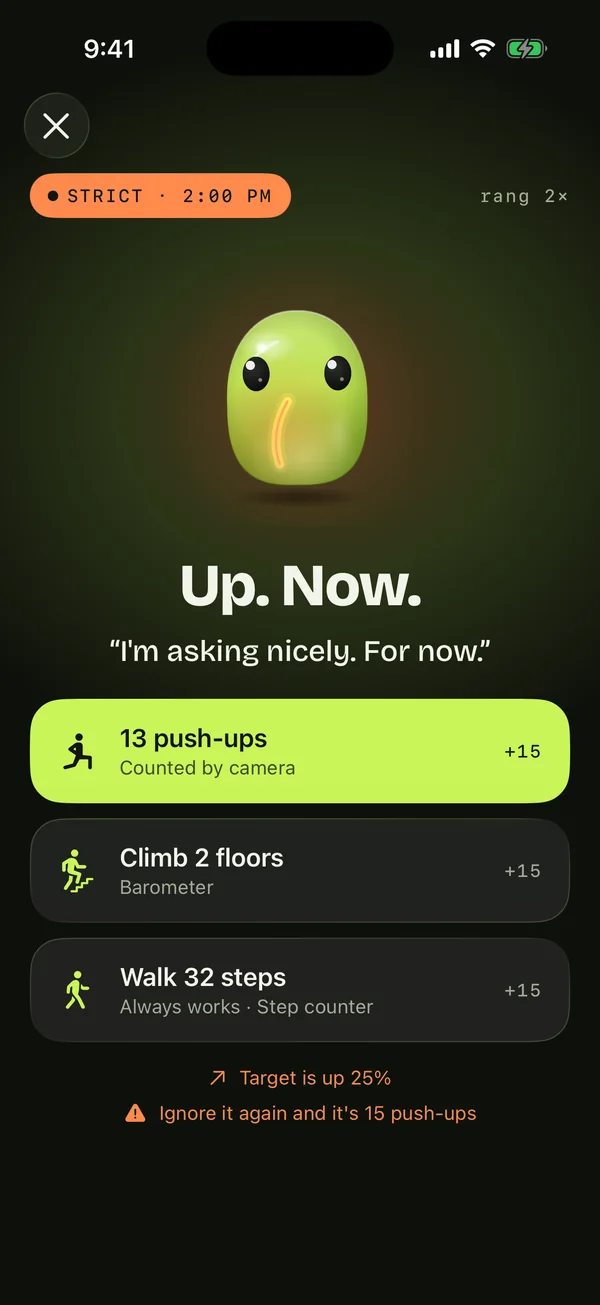
PulseMove rings a real alarm when you've sat too long, and it doesn't go quiet until your phone sees you move. Walk, climb, do push-ups or touch grass: your pick, verified on your phone.

“Breaking up sitting with 2–3 minute light walks every half hour significantly blunts post-meal blood-sugar spikes.”Buffey et al. · Sports Medicine · 2022
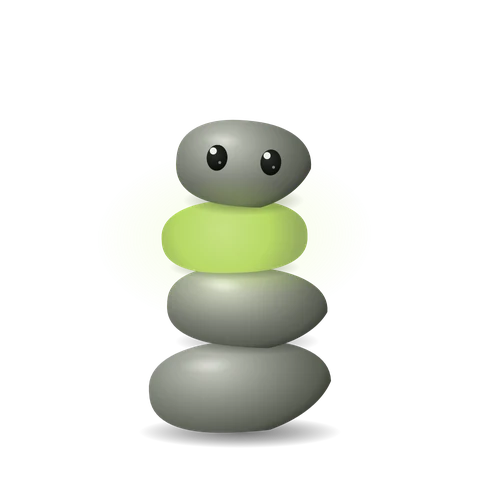
Three characters live in PulseMove. They stiffen while you sit, glow when you move, and have opinions about your chair. Switch anytime.
“I feel a little firmer than I'd like.”
“I can hear you sitting. It's very loud.”
“Your spine filed a small complaint.”
Pick your active hours and how often to move. Carve out quiet blocks for lunch, meetings and sleep.
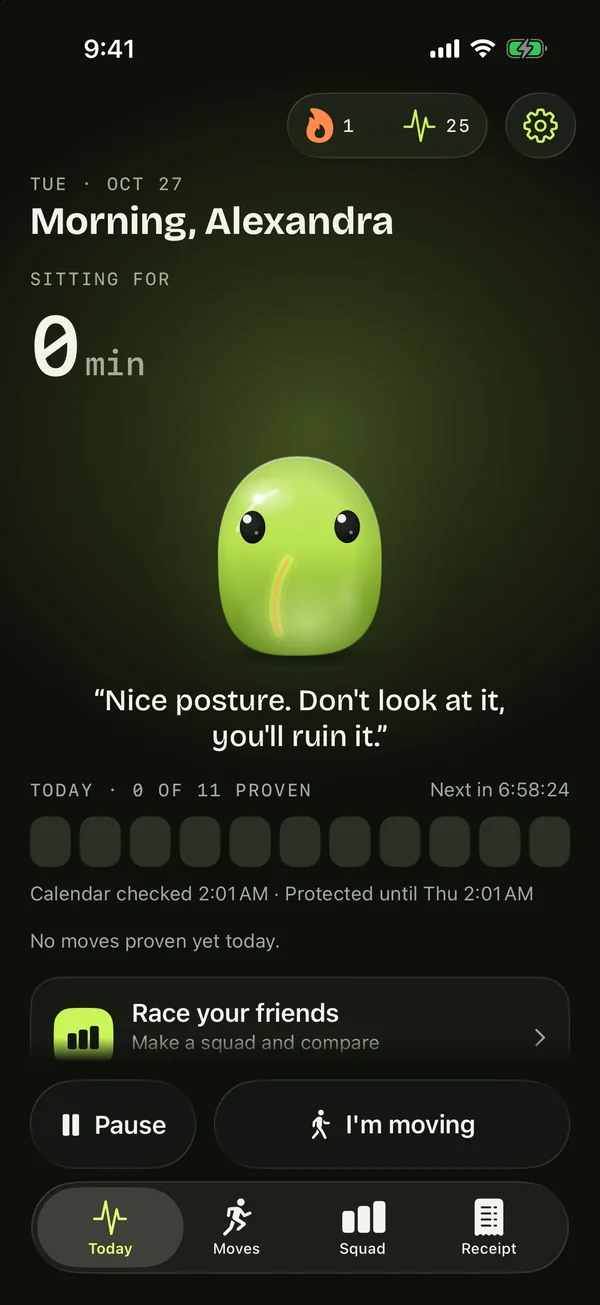
Not a notification you swipe away: your phone's alarm, which cuts through Silent mode and Focus.
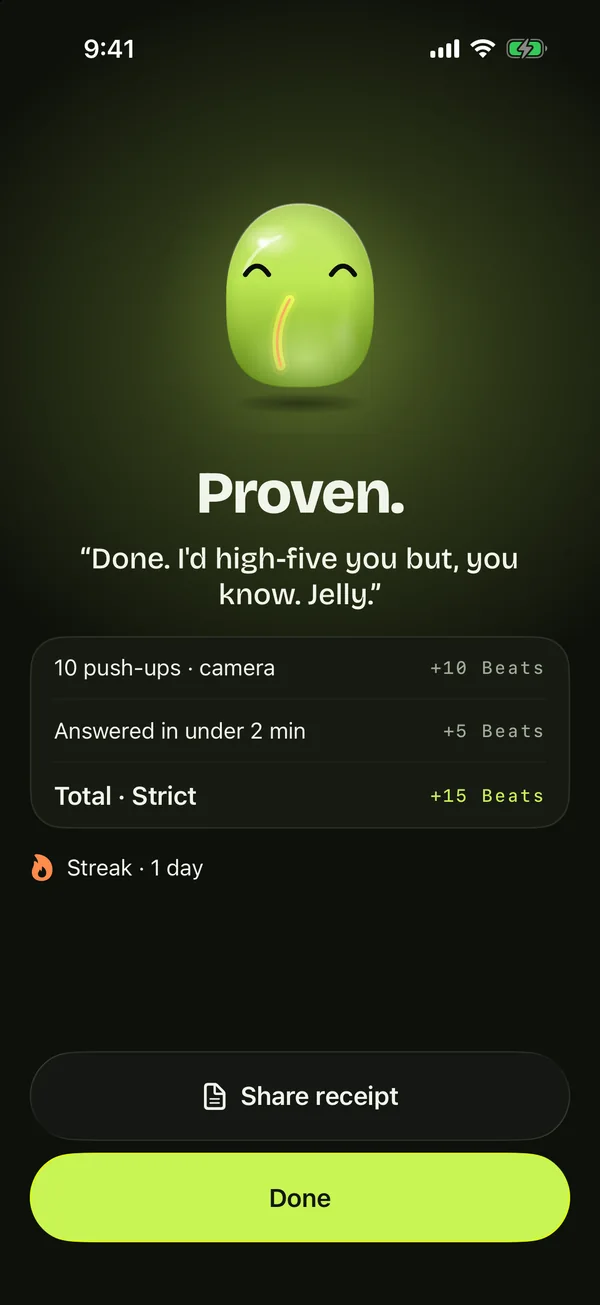
Your phone checks the move. Done is done, and your streak and Beats grow.
One usual move, a variety of three, or surprise me. Walking is always offered as a backup, so you're never stuck in a meeting room.
Your phone counts every rep with pose detection that runs on the phone itself.
The video never leaves your phone and is discarded the instant each frame is counted.
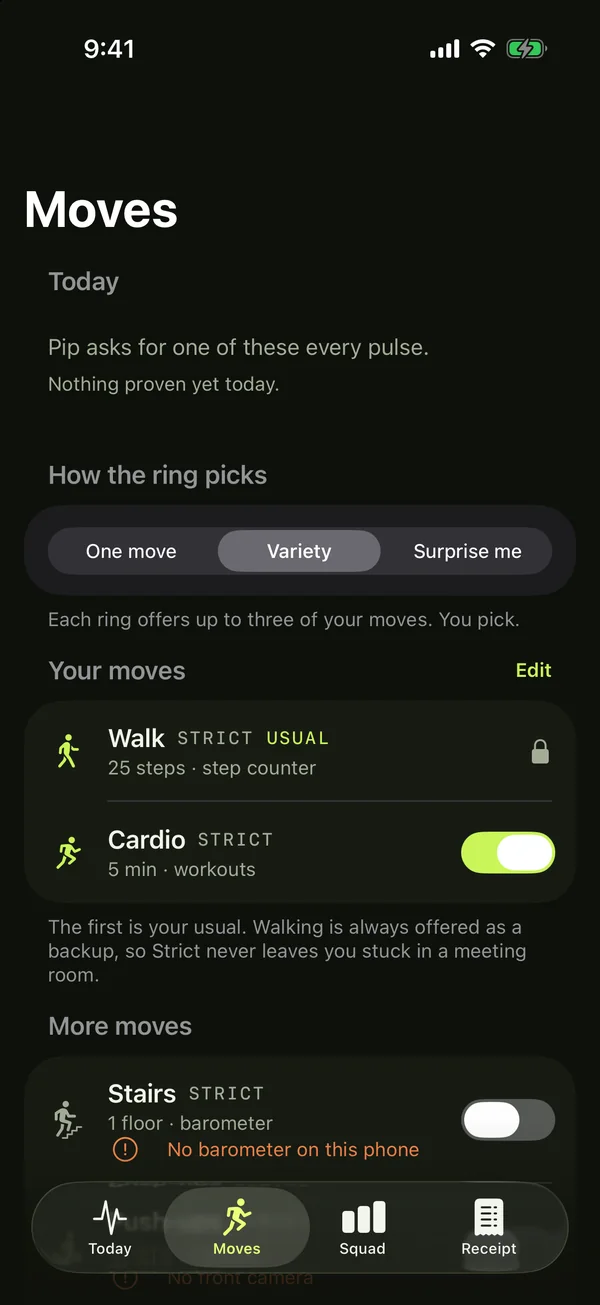
Around 25 steps on easy. Always on as your backup.
Climb a floor. Air pressure doesn't lie.
A run or ride you record after the alarm counts.
Literally. Point the camera at grass or sky.
Wearing AirPods? They can count your reps.
60 seconds on the honor system.
Stop it and it stays stopped. Moving is on your honor, and every move you prove still counts.
The system Stop only quiets the current ring. Ignore it and the target goes up. Moving is the only off switch, and strict moves count double in Squads.
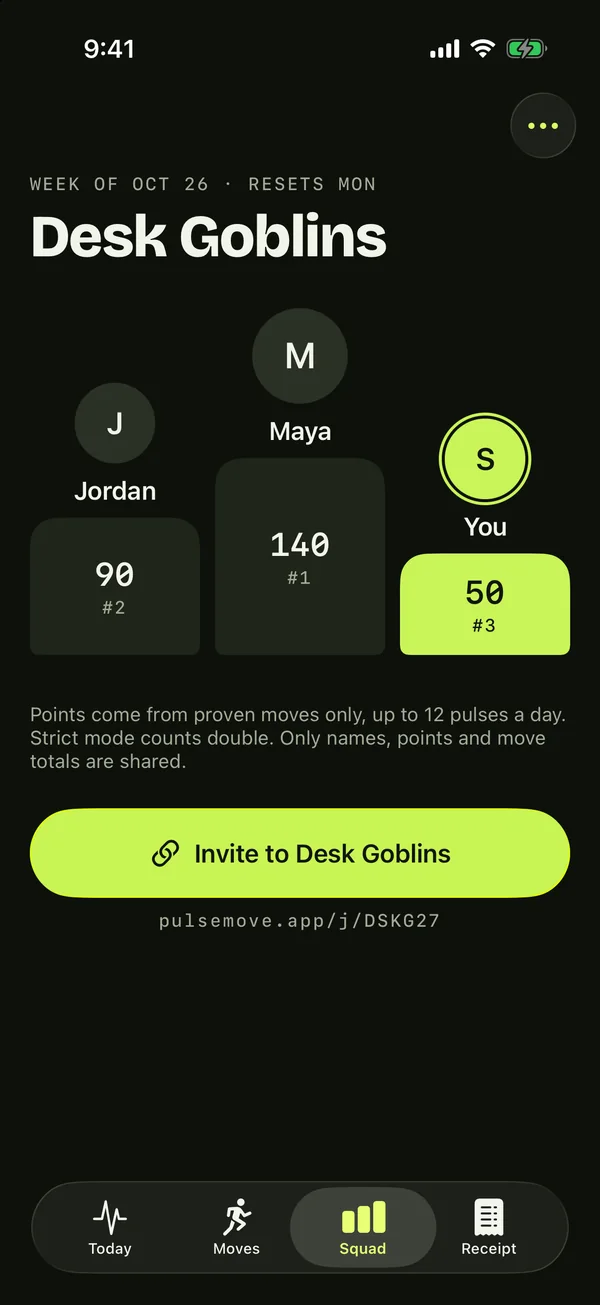
Make a squad, share the link, and see who moves most this week. Points come from proven moves only.
No account. Only your name and points leave your phone, and only if you join a group.
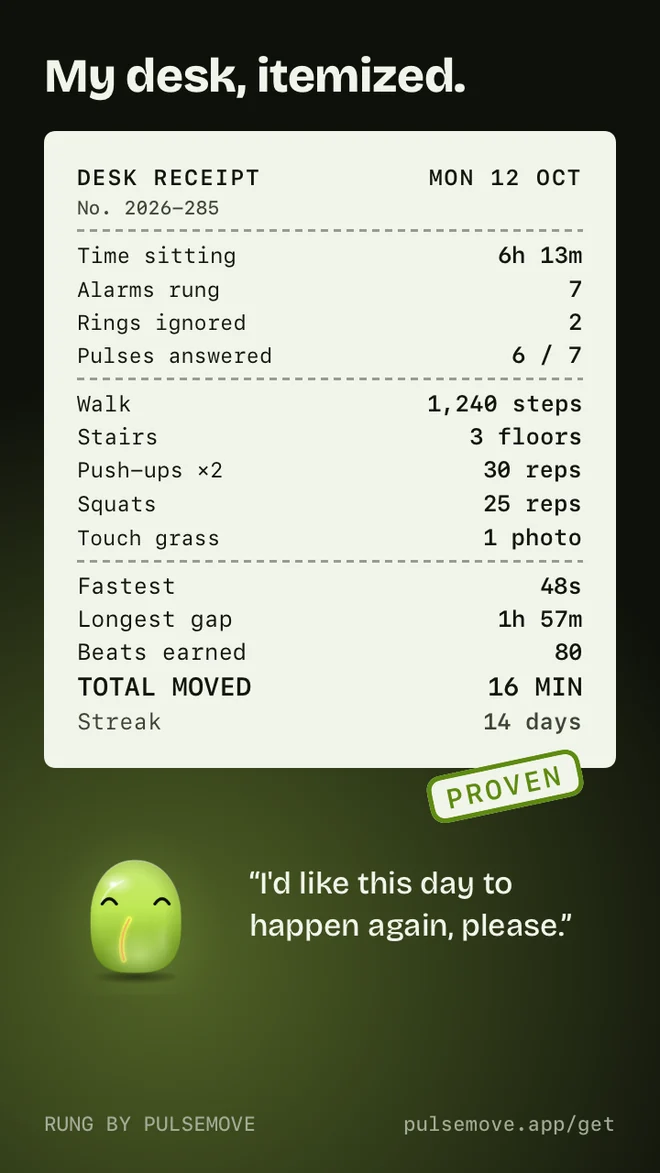
Time sitting, rings ignored, push-ups done. Every day and every week, PulseMove prints a receipt worth posting, with your character's verdict at the bottom.
Story or square, light or dark. Shared from your phone, never uploaded by us.
Connect your calendar and pulses wait out your meetings. Only busy times are read, never titles.
A discreet chime at work, held alarms in deep work, car-safe rings on the road.
Already walked in the last 20 minutes? The next pulse skips itself.
One tap for an hour, the next pulse, or until you resume. Total silence.
Drag across the day to carve out lunch, meetings or sleep.
On iPhone, the apps you pick open to your character while a pulse waits. Built on Apple's Screen Time.
The one you can't ignore. Most break apps send notifications that cost nothing to swipe away. PulseMove rings a real alarm and, in Strict mode, keeps ringing until your phone verifies a move: steps, a flight of stairs, push-ups or squats counted by the camera, or touching grass. Learn more →
Yes. Walk-to-dismiss alarms exist for waking up, and PulseMove brings the same mechanic to your whole workday. Walking is always an option, and you can also stop it with stairs, push-ups, squats, jumping jacks, a workout or touching grass, all verified on your phone. Learn more →
Research converges on roughly every 30 minutes, with a couple of minutes of movement. The 20/8/2 rule is a common guideline. PulseMove enforces whatever rhythm you pick. Learn more →
Hyperfocus and time blindness swallow gentle pings. An alarm-grade interrupt that demands a physical action is much harder to defer into oblivion, and a character with opinions helps too. Learn more →
A notification asks; PulseMove verifies. In Strict mode the alarm keeps ringing until your phone confirms the move, and your streak only counts days where you answered 80% of your pulses. Learn more →
Ignoring a stand nudge is free, so you ignore it. Give the reminder consequences: a real alarm that re-rings until your phone sees you move, and a target that grows each time you ignore it. Learn more →
Yes. Match your pulse rhythm to your focus blocks and every break becomes a short, verified move instead of a scroll. Learn more →
Replace willpower with a system: scheduled pulses, an alarm that re-rings, verified moves, friends keeping score in a Squad, and a streak you can't fake. Decide once; the app enforces it daily. Learn more →
Turn on Respect calendar events and PulseMove plans pulses around your busy time; it reads only busy and free times, never event titles. You can also add quiet blocks, pause with one tap, or attach a Focus filter that holds pulses or makes them discreet.
No. Camera moves are counted on your phone. The video never leaves your phone and is discarded the instant each frame is counted.
Start with a 3-day free trial, then a yearly or weekly subscription; in the US that's $49.99 a year or $4.99 a week. Prices vary by country and are shown in the app. Cancel anytime in your App Store or Google Play subscriptions.
Try PulseMove free for 3 days on iPhone or Android.
3-day free trial · Cancel anytime · Your steps, camera and calendar stay on your phone